7 Best AI Color Analysis Tools of 2026 (Honest Guide)
AI color analysis reads your color season from a selfie in seconds. We honestly compare the 7 best tools of 2026 on accuracy, price, and who each is really for.
You upload a selfie. Eight seconds later, an app announces you're a True Autumn. Curious, you feed a slightly different photo to a different app — and it calls you a Soft Summer.
Both results sound completely certain. Both cannot be right.
That contradiction is the whole story of AI color analysis in 2026. The tools are genuinely useful, genuinely fun, and genuinely everywhere — but the field is thick with confident guesses and invented accuracy claims. Nearly every "best AI color analysis tool" list you'll find is published by a company selling one of the tools on it.
So here's a different kind of guide. We tell you how the technology actually works, which claims to ignore, and which of the seven best tools fits your face, your budget, and your patience — including where you should skip AI entirely.
What AI Color Analysis Actually Is
Color analysis is the practice of finding the palette that makes you look healthiest — the colors that brighten your face instead of draining it. It rests on one idea: your skin, hair, and eyes share an underlying set of qualities, and colors that echo those qualities flatter you.
Analysts describe that coloring along three axes, borrowed from the Munsell color system that painter Albert Munsell formalized in the early 1900s:
- Hue (undertone): warm and golden, or cool and blue-pink
- Value (depth): light or deep
- Chroma (intensity): clear and bright, or soft and muted
Your undertone is the anchor. It's the subtle cast beneath your skin's surface, and unlike a tan, it doesn't really change. Warm skin leans yellow-gold-peach; cool skin leans pink-red-blue; neutral sits between. Not sure which you are? Our free undertone quiz walks you through it in under a minute.
The 4, 12, and 16-Season Systems
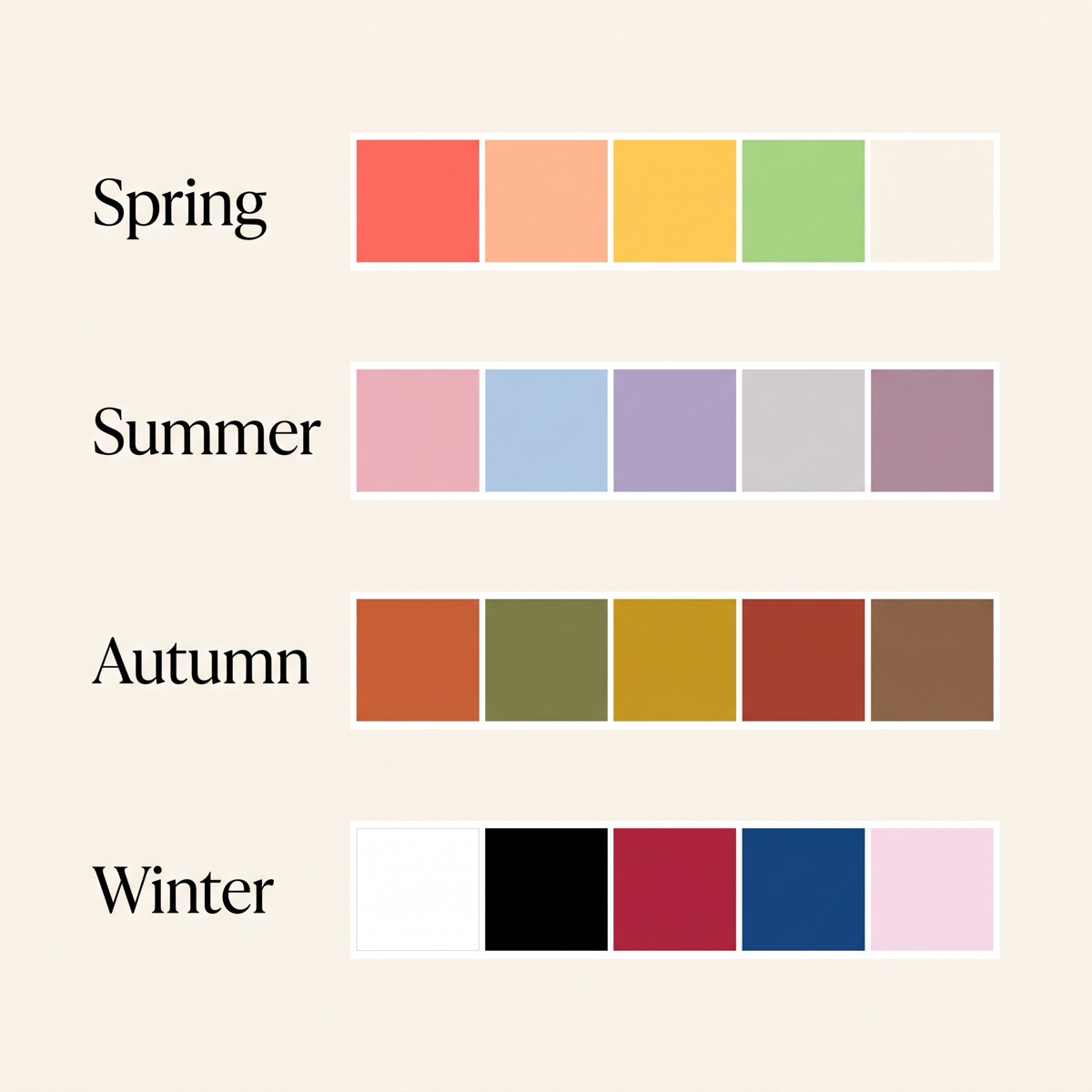 Seasonal color analysis chart showing Spring, Summer, Autumn and Winter color palettes
The seasonal model has a real lineage. Bauhaus artist Johannes Itten linked complexions to the seasons in the 1960s; Carole Jackson's 1980 bestseller Color Me Beautiful made the four-season system a household idea ("Have you had your colors done?").
Later analysts wanted more precision. Kathryn Kalisz's Sci\ART system, built explicitly on Munsell, split each season into three, giving the modern 12-season model (Light Spring, True Spring, Bright Spring, and so on). The 16-season system adds a dedicated palette for people who sit squarely between two neighbors.
One honest caveat most tools won't tell you: there is no governing body for any of this. The 12-versus-16 debate is a contest between proprietary methods, not settled science. If you want the full breakdown, we cover it in our guide to finding your color season.
How AI Color Analysis Works — And Why "95% Accurate" Is a Number to Ignore
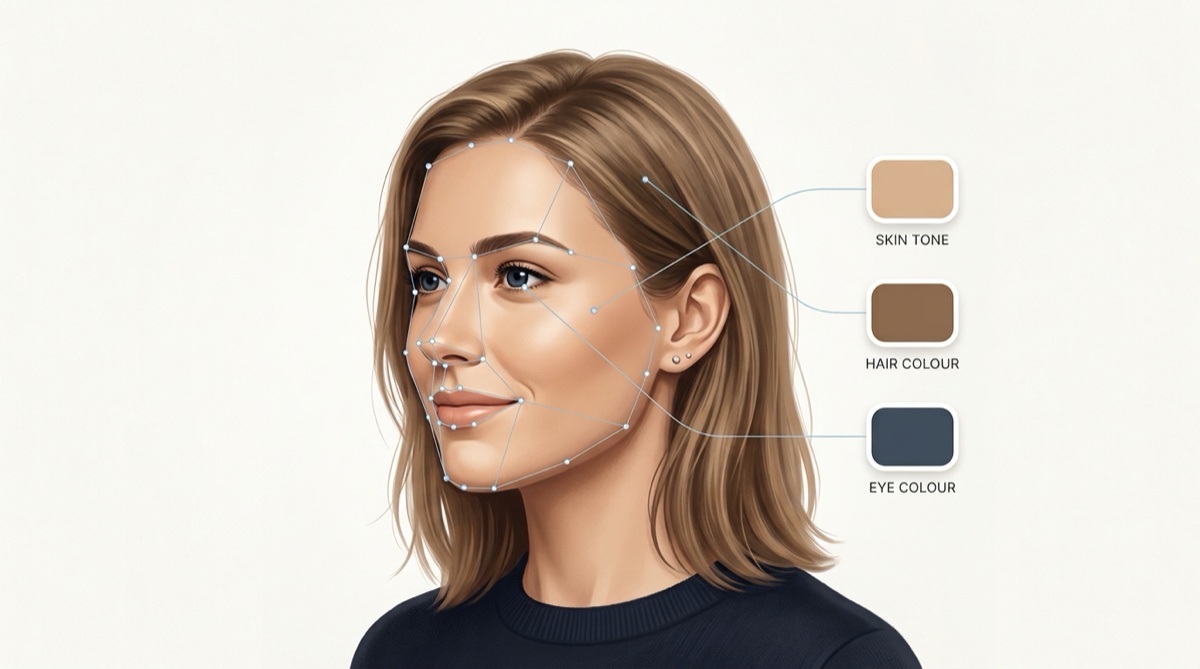 How AI color analysis extracts skin, hair and eye colors from a selfie
Under the hood, every AI color tool runs roughly the same pipeline. Computer vision finds your face, isolates the skin, hair, and eye regions, and extracts the dominant colors from each. Those colors get converted into hue, value, and chroma signals, then matched to the closest season.
The better tools map your skin tone against the Monk Skin Tone Scale — a 10-shade, open-source standard developed in 2022 by Harvard sociologist Dr. Ellis Monk with Google, specifically because older scales under-represented deeper skin tones.
Now the part the marketing pages bury.
Every tool advertises an accuracy figure — 90%, 95%, even 97%. Ignore all of them. Not one is backed by a published, independent study. They are self-reported vendor numbers with no stated sample size or method. As of 2026, no neutral benchmark for AI color analysis exists.
That's not because the tools are worthless — it's because color analysis has no single right answer to be accurate against. Even certified human analysts routinely disagree on the same face. AI is trained on human opinions, so it inherits the disagreement and delivers it with a confident-looking label.
Three limitations are real and worth knowing:
- Lighting and screens distort color. The same face photographed under warm indoor light versus daylight can return two different seasons. This is the single biggest threat to any AI result.
- Skin-tone bias is documented. Academic research has shown AI skin-tone classifiers tend to be less accurate on deeper skin tones, a known consequence of biased training data — and the effect worsens in poor lighting.
- No physical draping. A human analyst watches your face lift or dull in real time as they hold up fabric. A photo can't capture that reaction.
The honest framing: AI color analysis is a fast, cheap, private starting point — not a final verdict.
How We Chose These Tools (And Our Conflict of Interest)
Full disclosure, because the rest of this niche won't give you one: MaxAura makes one of the tools on this list. That's exactly why we've tried to be harder on ourselves than a typical roundup — flagging where competitors clearly beat us, and telling you when to skip AI altogether.
We judged each tool on four things: whether it's actually AI (several "AI" tools are quizzes or humans in disguise), pricing transparency, breadth of output, and honesty about its own limits.
The 7 Best AI Color Analysis Tools of 2026
| Tool | How it works | Season system | Price | Best for |
|---|---|---|---|---|
| MaxAura | AI from one selfie | 4-season + palette | Free trial, no card; from $2.99/wk | Fast, free, all-in-one starting point |
| Palette Hunt | AI from a photo | 16-season | One-time, from $19 | Virtual try-on, one-time buyers |
| Colorwise.me | AI + you pick your tones | 12-season | Free (web) | Free, hands-on DIY |
| Color Analysis Tech | AI + quiz + human | 12-season | Free preview; $39 or $24.99/mo | Try-before-you-buy |
| Dressika | AI from a photo | 12-season | Free (premium varies) | Detailed color lists, free |
| Style DNA | AI from a selfie | Color type | Subscription; palette +$9.99 | All-in-one shopping (watch billing) |
| Four Seasons Studio | Human stylists, 24–72h | 12-season | $50–$149 | People who don't trust AI |
1. MaxAura — Best Fast, Free, All-in-One Starting Point
MaxAura reads a single selfie with Google's Gemini model and returns your color season and palette plus your face shape, hairstyle, and eyewear recommendations in the same pass — most rivals only do color.
It's genuinely instant, the free trial needs no card, and pricing is transparent (from $2.99/week or $49.99/year). The honest cons: it's a broad all-in-one, not a 16-season specialist, it currently runs in the browser rather than a native app, and — like every tool here — its verdict is a starting point, not gospel.
2. Palette Hunt — Best for Virtual Try-On
Palette Hunt runs a genuine AI analysis from your photo, assigns a granular 16-season type, and then lets you generate AI "photoshoots" and try colors, makeup, and hair on your own face.
Its standout is the one-time price (from $19) with no subscription — you pay once. The catch: exact tier prices only appear inside checkout, and the richer features are credit-limited.
3. Colorwise.me — Best Free Web Tool for DIY Types
Colorwise is free on the web with no signup wall, which is rare. But be clear on the mechanics: it's a hybrid — you upload a headshot, then manually pick your skin, hair, and eye tones with a color picker before it assigns a 12-season type.
That means your result depends on your own eye and your screen's calibration. Great for hands-on hobbyists; less "sit back and let AI do it" than it sounds.
4. Color Analysis Tech — Best Try-Before-You-Buy
This one is multi-modal: a free AI preview, a free manual quiz, and a paid tier that layers in a stylist. It renders your season as virtual drapes on your photo and bundles in body-type and outfit tools.
Pros: low barrier, lots of drapes. Cons: pricing sprawls across a ~$39 profile and a $24.99/month "Style Club," and it publishes its own "best app" rankings — so read those with a raised eyebrow.
5. Dressika — Best for Detailed Color Lists
Dressika does true AI-from-photo, assigns a 12-season type, and returns unusually concrete output: clothing colors across garment types, makeup shades, and hair colors, with digital draping.
It's free to start and available on phone and web. Just treat its advertised "up to 97% accuracy" as marketing — there's no independent test behind that figure, here or anywhere.
6. Style DNA — Best All-in-One Shopping (With a Caution)
Style DNA turns a selfie into a full "style formula" — color type, fit, outfit generation, and shoppable items across hundreds of retailers. It's an established, popular app.
The caution is real: the color palette is often gated behind a separate $9.99 purchase on top of the subscription, and the app has drawn notable billing complaints about confusing pricing and charges after cancellation. Powerful, but manage the subscription carefully.
7. Four Seasons Studio — Best If You Don't Trust AI
Not everyone wants a machine's verdict, and Four Seasons Studio is the honest answer for them. It isn't AI at all — real stylists review your photos and return a written analysis within 24–72 hours (tiers run $50–$149).
You trade instant results for human judgment, which sidesteps the "confidently wrong AI" problem. If even that feels too remote, book a local in-person session instead (more on that next).
Also seen in these lists but not actually color tools: Qoves Studio analyzes facial aesthetics, not color seasons — useful, but a different job. Honorable AI mentions worth a look: ColorMine AI, Vivaldi, and Perfect Corp's YouCam.
AI vs a $300 In-Person Consultation: The Honest Math
A professional in-person analysis is the gold standard — an analyst drapes precision-dyed fabric against your bare face in controlled light and watches your skin react over 45 to 90 minutes.
It also costs real money. Based on 2026 pricing (the publication Air Mail reported paying $325 for an in-person House of Colour session in Los Angeles):
| AI tools | In-person analyst | |
|---|---|---|
| Cost | Free trial; $49.99–$139.99/yr | $150–$400 (up to ~$500 premium) |
| Time | Seconds | 1–3 hours + travel |
| Method | Photo, extracted colors | Physical draping, live reaction |
| Consistency | Varies with lighting | Controlled conditions |
| Best when | Exploring, on a budget | You want one definitive answer |
The sensible play for most people: start with AI to learn your likely season and undertone, then pay for in-person draping only if you want certainty before a big wardrobe or hair-color decision.
How to Choose the Right Tool for You
- Want fast and free, covering color plus hair and glasses? Start with MaxAura.
- Want to try colors on your face and pay once? Palette Hunt.
- Want completely free and don't mind manual input? Colorwise.me or Dressika.
- Don't trust AI at all? Four Seasons Studio, or book a local analyst.
Whatever you pick, your color season pairs with your face shape to guide hair, glasses, and necklines — color is one piece of the picture, not the whole thing.
How to Take a Selfie That Won't Fool the Algorithm
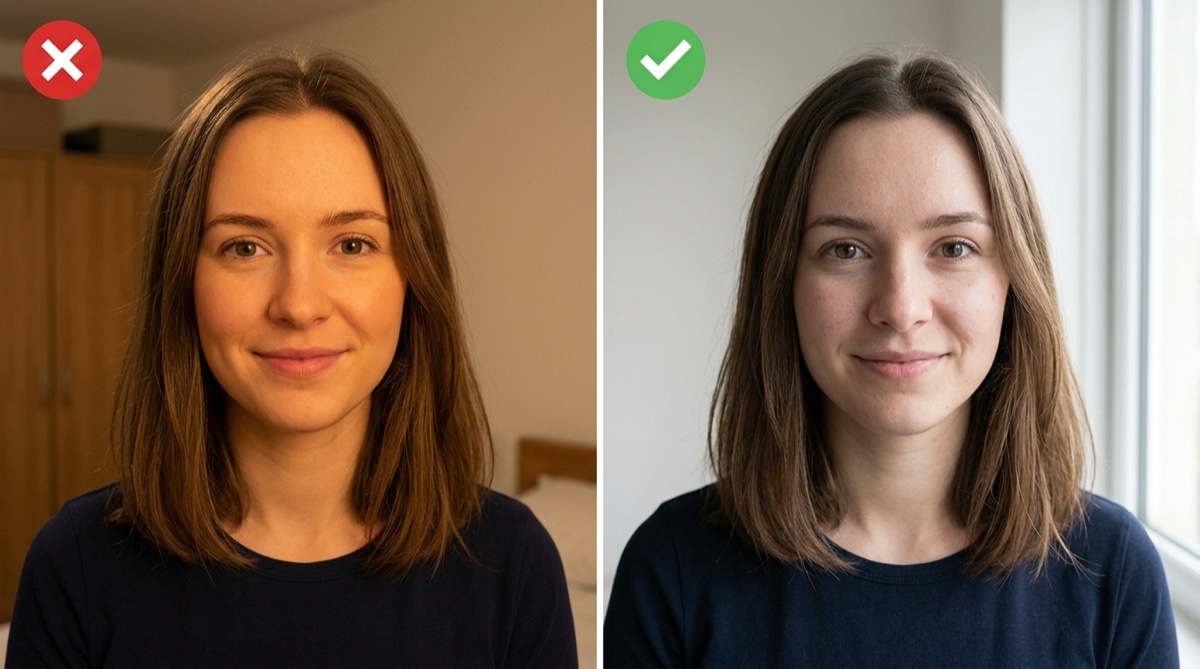 Good versus bad selfie lighting for accurate AI color analysis
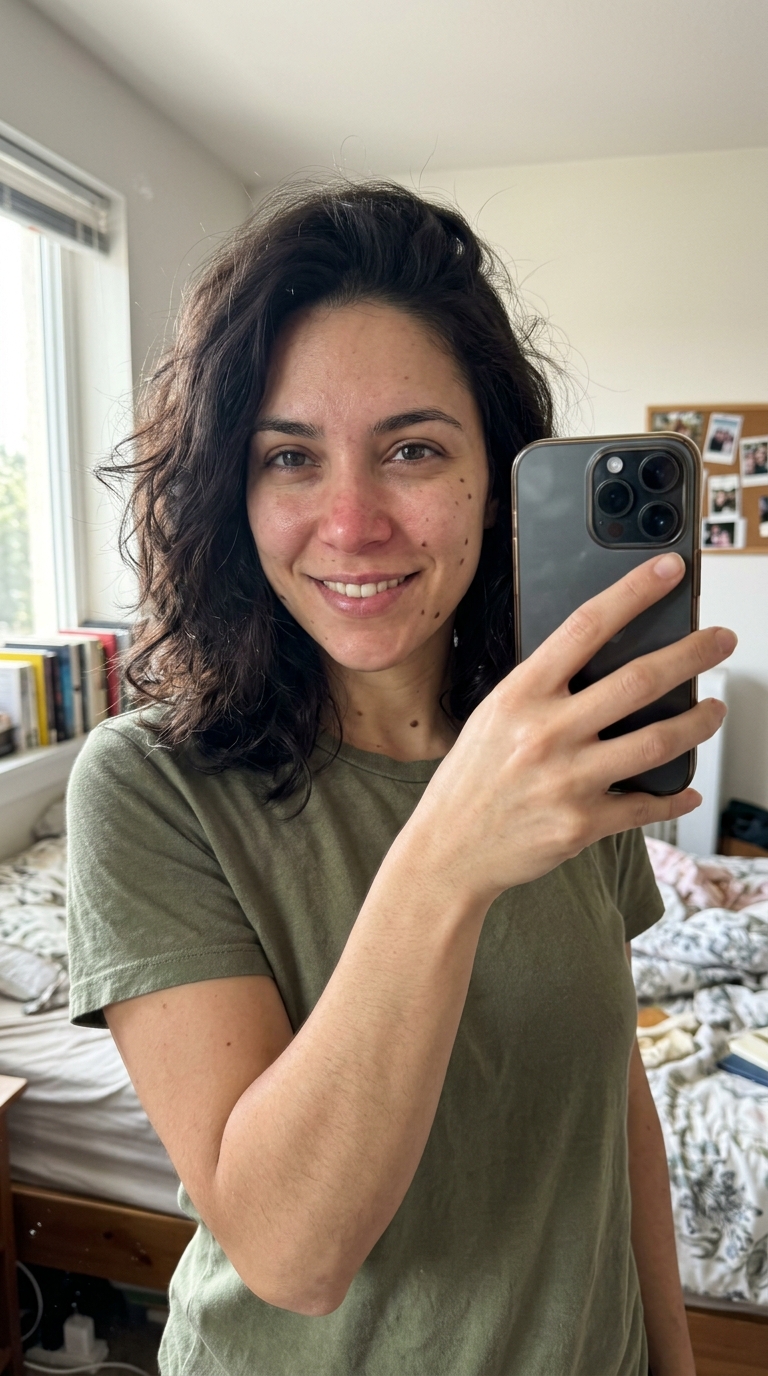
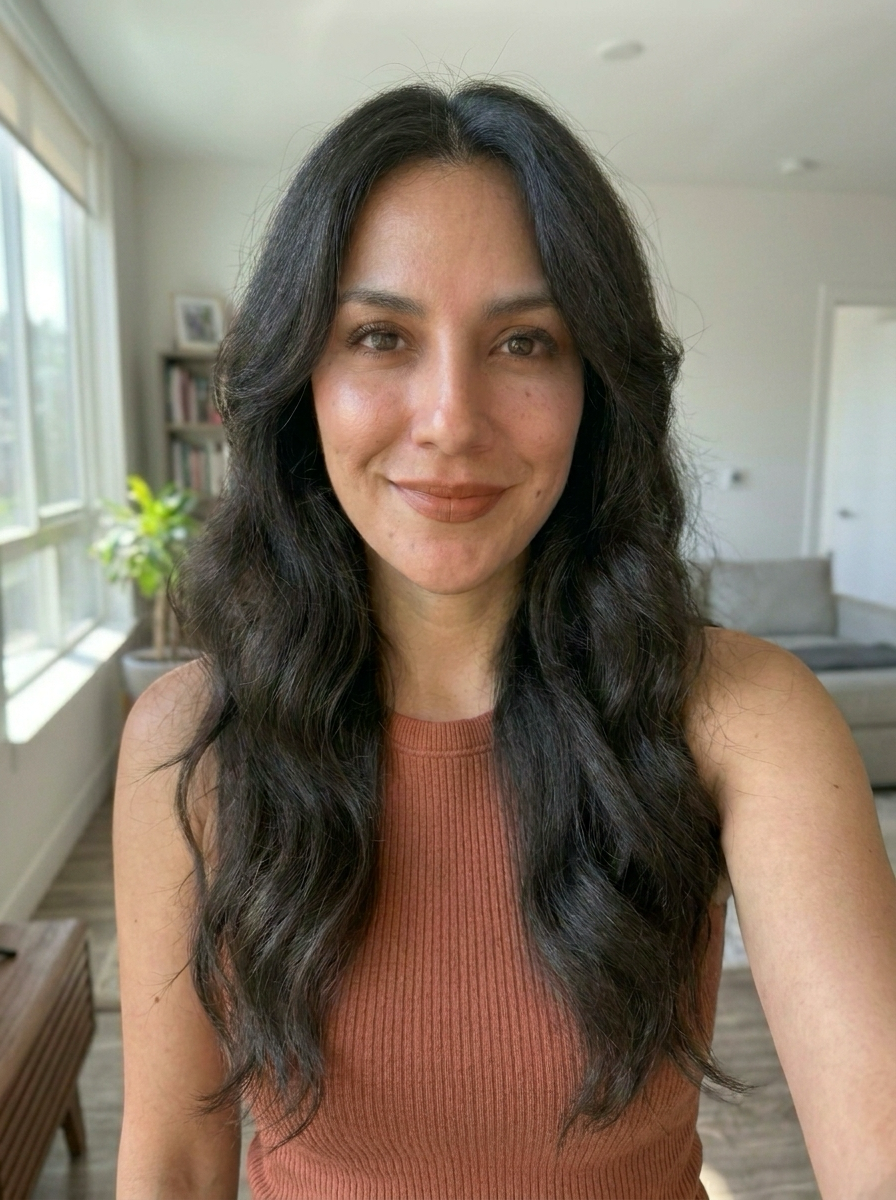
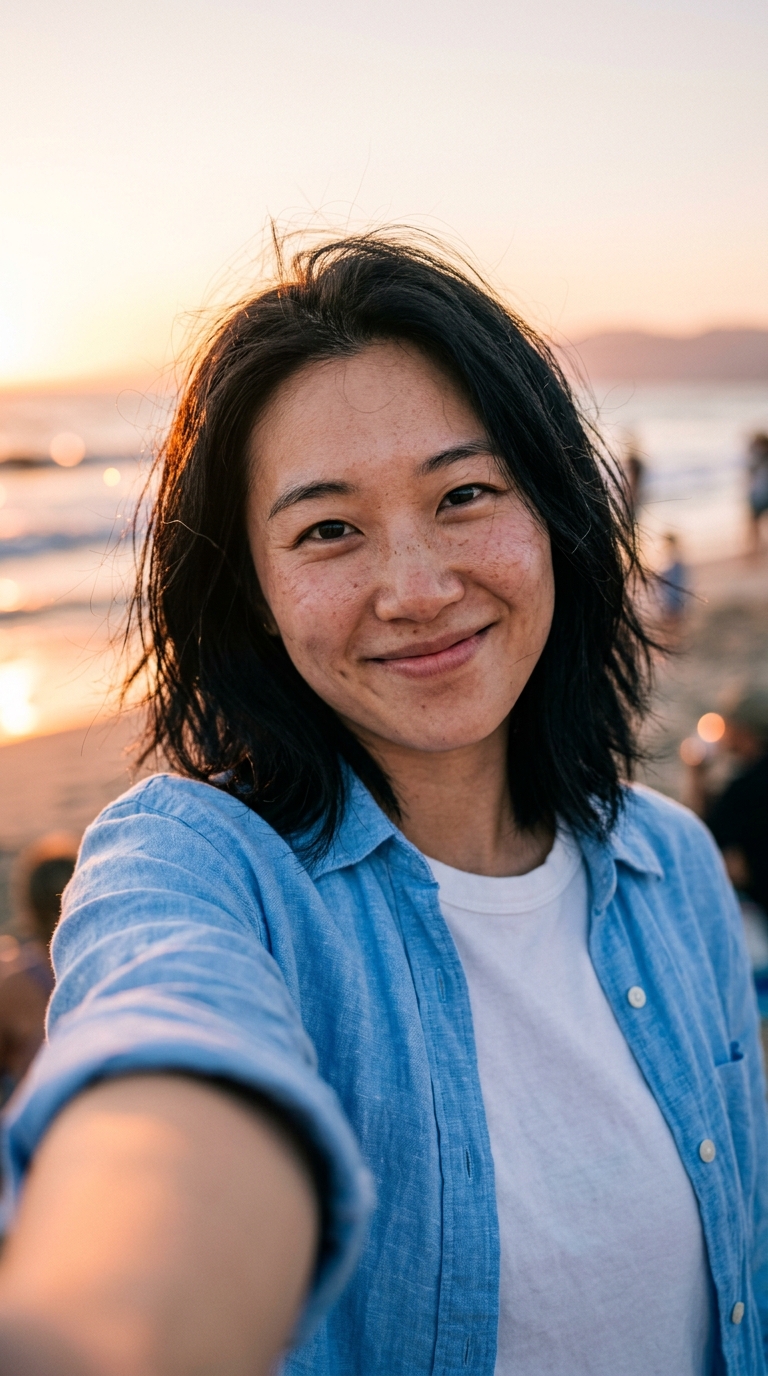
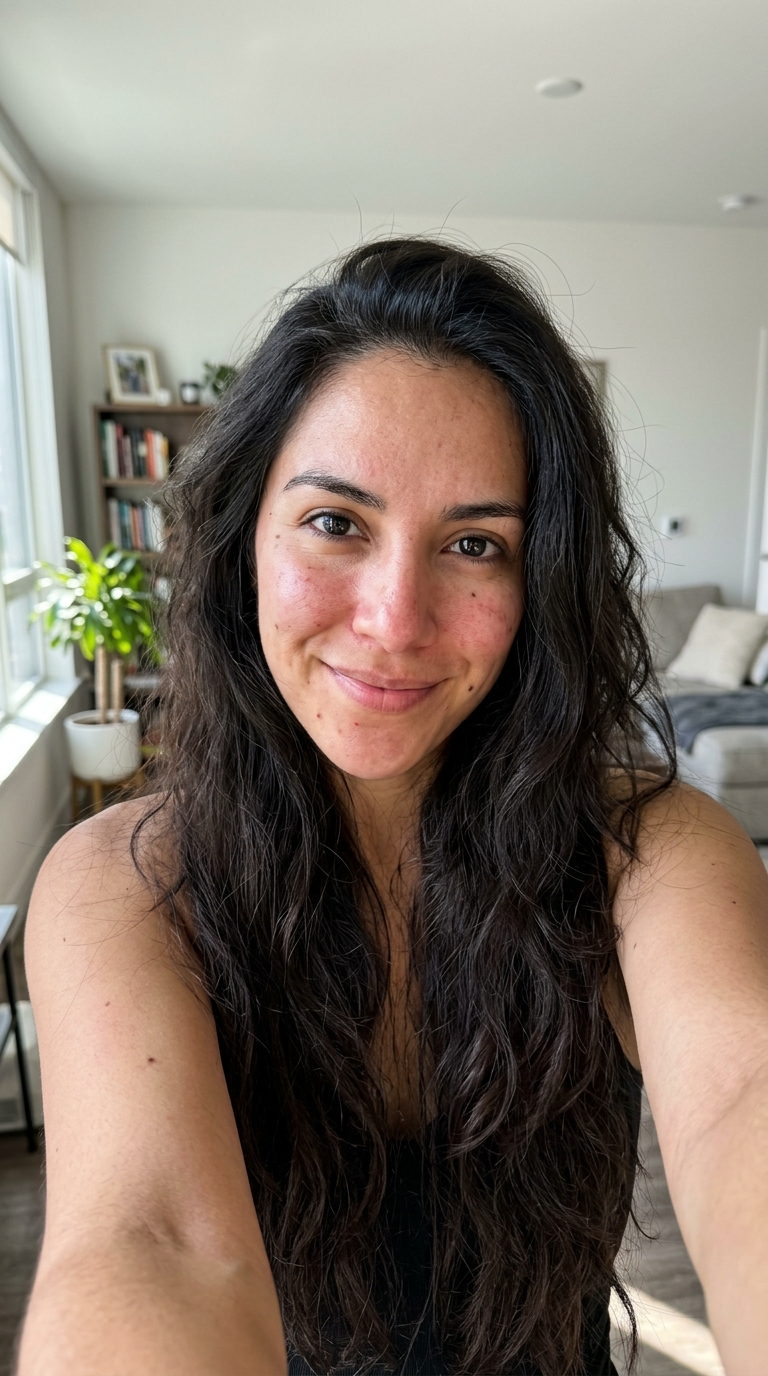
Because lighting is the biggest accuracy threat, your photo matters more than your tool. Four rules:
- Shoot in natural daylight, facing a window. Never under warm indoor bulbs.
- Remove makeup and glasses, and pull hair off your face.
- No filters, no beauty mode — they rewrite the exact colors the AI needs to read.
- Use a plain, neutral background so nothing casts a color tint onto your skin.
Do this and even a free tool gets meaningfully more reliable.
Frequently Asked Questions
Q: Is AI color analysis accurate?
It's a useful estimate, not a verdict. AI reliably reads your broad undertone and likely season, but color analysis has no single "correct" answer — even human analysts disagree. Lighting, camera, and screen quality swing results, so treat any AI season as a strong starting point rather than a final ruling.
Q: Why do different apps give me different color seasons?
Because each tool uses different training data, a different season system (12 vs 16), and reads whatever lighting your photo happened to have. Small differences in a selfie can tip a borderline result. Getting the same answer from two tools in good daylight is a much stronger signal than either one alone.
Q: What's the best free AI color analysis tool?
For a fast, no-card free trial that also covers hairstyle and eyewear, MaxAura is a strong start. For fully free web tools, Colorwise.me and Dressika both deliver a season at no cost — Colorwise just asks you to pick your tones manually rather than doing it automatically.
Q: Can I do color analysis with ChatGPT?
You can, and it's free, but temper expectations. A general chatbot can eyeball a photo and guess a season, but it isn't built to extract precise skin, hair, and eye color values the way a dedicated tool is. Purpose-built color analysis apps are more consistent.
Q: Does AI color analysis work for all skin tones?
It should, but be aware research has documented that AI skin-tone classifiers can be less accurate on deeper skin tones due to biased training data. Tools built on inclusive standards like the Monk Skin Tone Scale do better. Good daylight and a makeup-free photo help every skin tone.
Q: Is AI color analysis worth it versus a professional?
For exploring and for most everyday wardrobe choices, yes — it's free-to-cheap and instant. If you're about to make an expensive, hard-to-reverse decision like a full hair-color change, a $150–$400 in-person session buys you human judgment and controlled lighting that no photo can match.
The Bottom Line
AI color analysis in 2026 is a fast, low-cost, private way to learn your season and undertone — as long as you ignore the invented accuracy stats and take a proper daylight selfie. The best tool is the one that matches how much you want to spend, whether you'd rather have a human, and how much beyond color you want to learn.
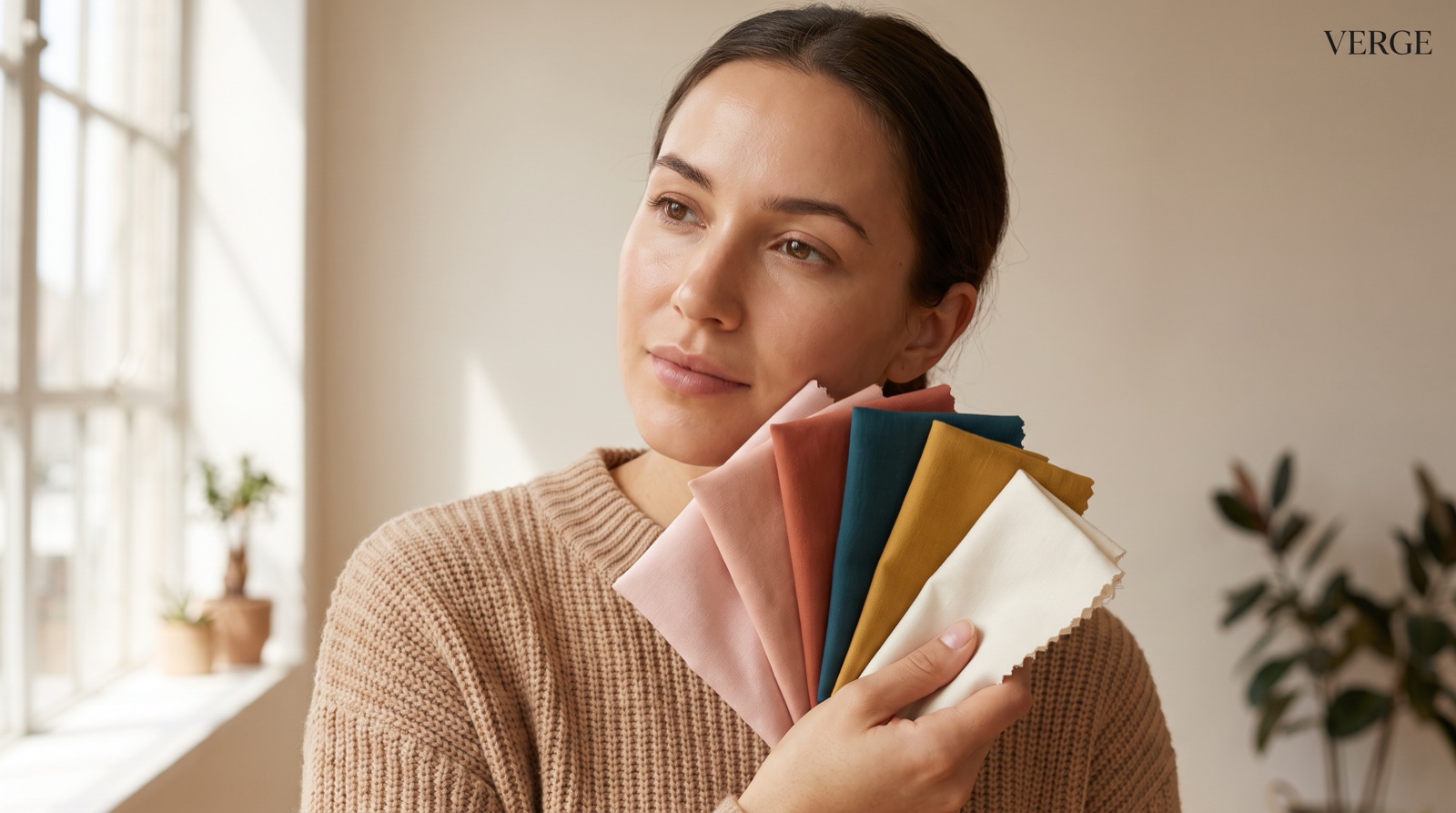
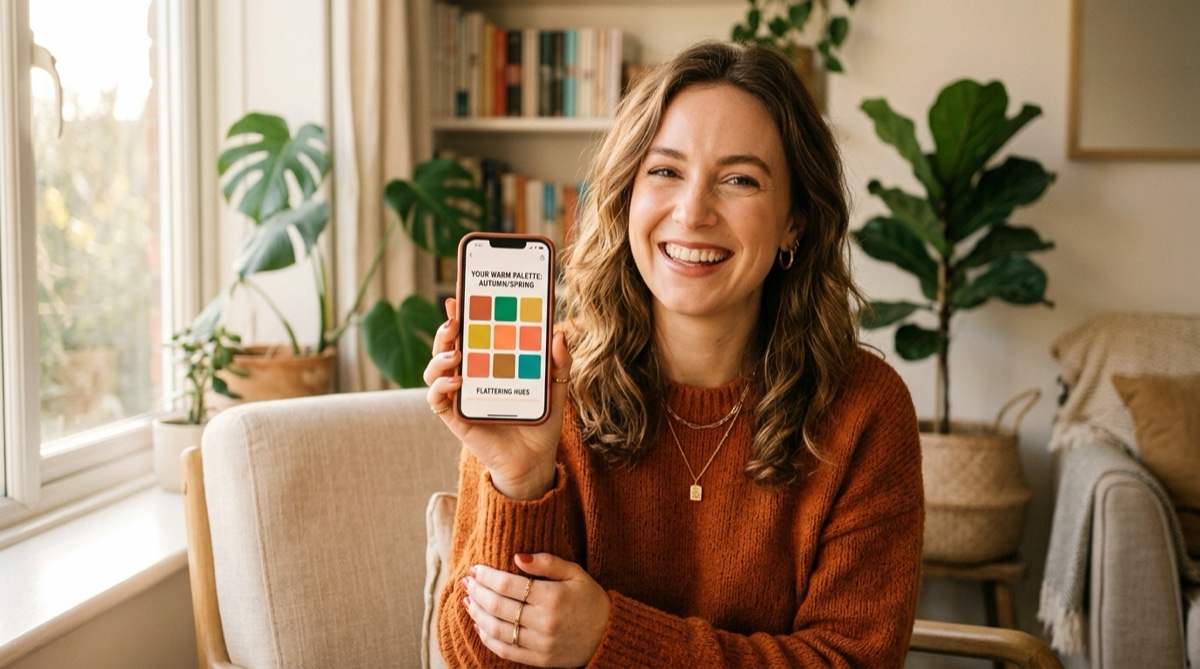 Woman discovering her best colors with an AI color analysis app
If you want the quickest honest start — your color season, plus your face shape, hairstyle, and eyewear from a single selfie, free and with no card — analyze your colors with MaxAura and see your palette in about 60 seconds.